

Install and sign in
Download the app from the App Store and use the account that belongs to your ActionBox workspace.
ActionBox for iPhone
Install the iPhone app, sign in to your existing ActionBox account, and choose which Actions may send push alerts. A notification opens the current server-backed request so you can check the context before answering.
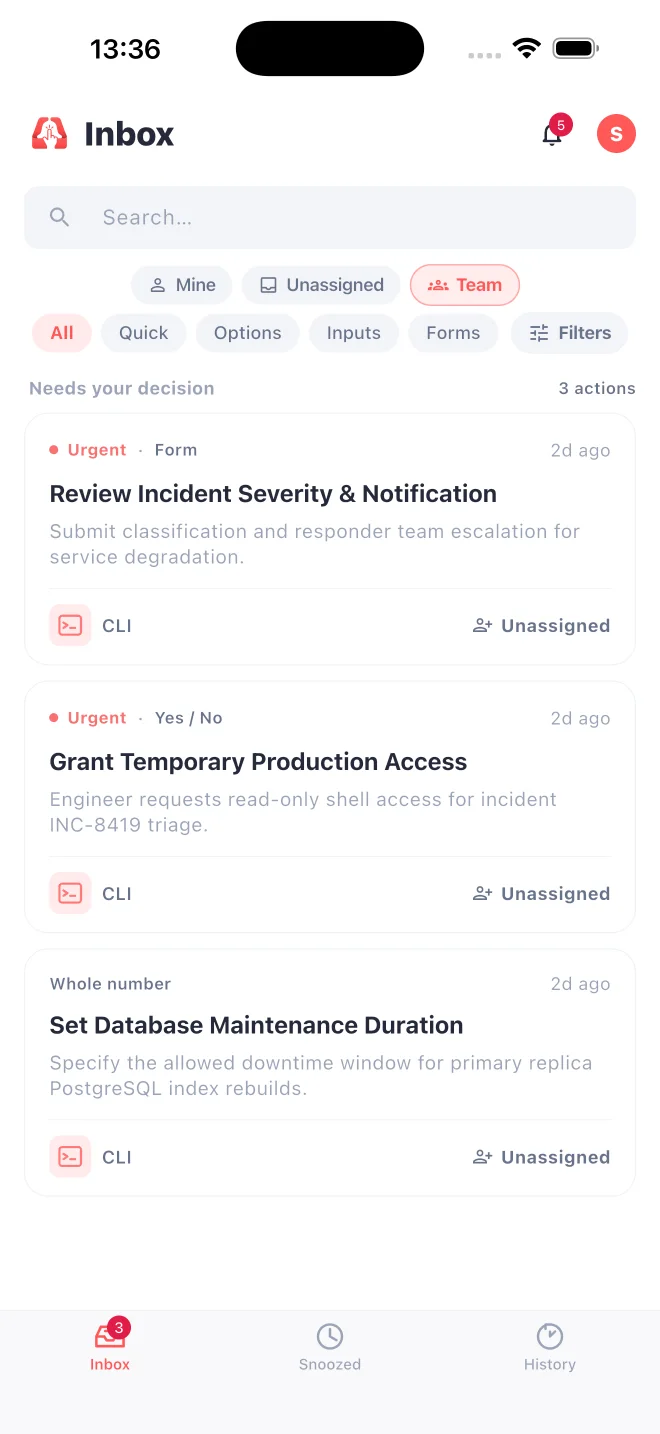
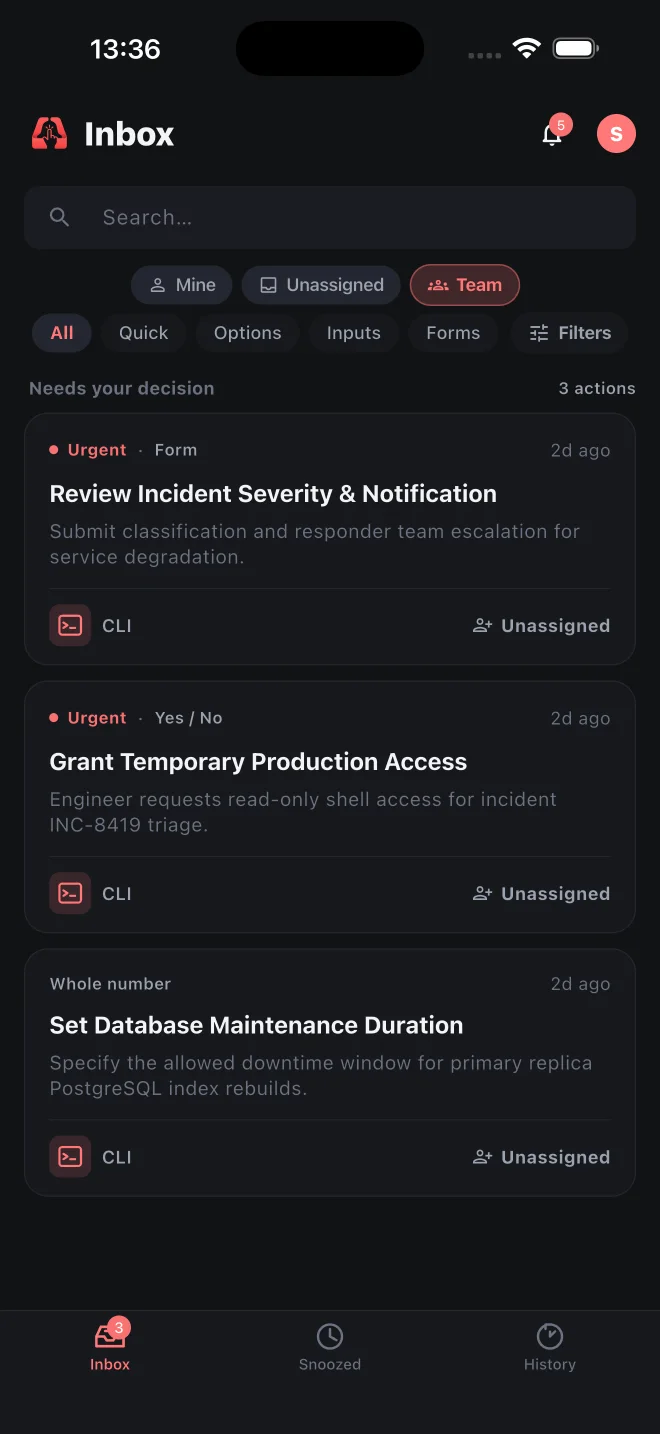
Download the app from the App Store and use the account that belongs to your ActionBox workspace.
Allow notifications, then set priority, assignment, reminder, escalation, and quiet-hour preferences.
Open the Action from the alert, inspect the latest context and event history, then respond or snooze.
A failed job, deployment request, or paused script can need a person away from their desk. Open the current Action, inspect the evidence, and submit the appropriate response. Your integration remains responsible for waiting on the decision and executing the operation.
Start with a harmless test request and confirm that the right account receives it. Check assignment and notification preferences, then repeat with notifications paused. A request should remain available in the inbox even when a push alert does not arrive.
For team review, explore Slack approvals. To design the full workflow, read the actionable alerts guide. An accepted response and a successful recovery are separate results.
Push delivery can be delayed by connectivity, iOS settings, or quiet hours. Integrations should always wait on the Action API, long polling, or a verified callback instead of treating notification delivery as a decision.